Microsoft Windows 11 Pro Workstations
by The Unity Soft
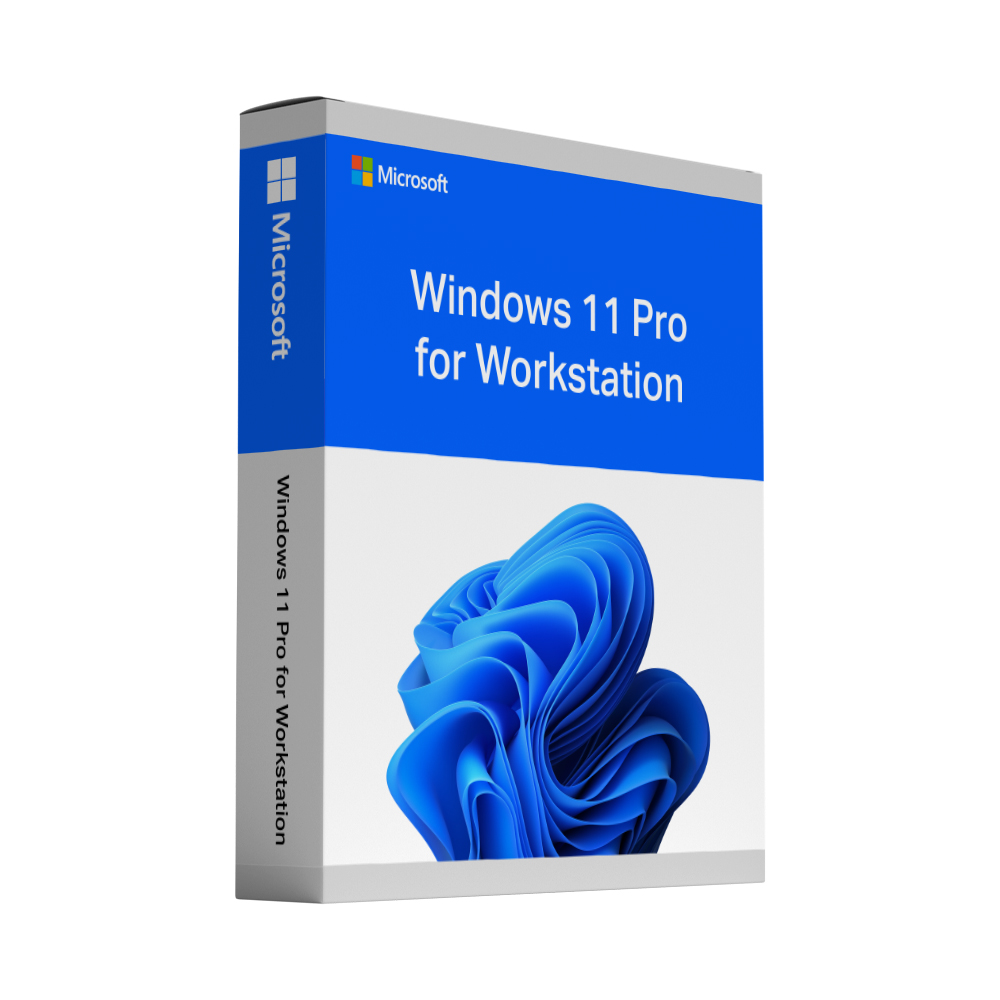
Product Details
- Brand
- The Unity Soft
- Condition
- new
- Category
- Microsoft Windows Windows 11
Microsoft Windows 11 Pro Workstations is available for £29.18 at The Unity Soft.
Available at The Unity Soft
Compare Prices(1 shop)

Never miss a price drop from The Unity Soft
Follow The Unity Soft on Shopperazzi and their price drops, sales and new arrivals come to your own feed. It's free.
Description
Buy a genuine Windows 11 Pro for Workstations key for one PC Buy a genuine Windows 11 Pro for Workstations key for one PC as a one-time payment – no subscription, no renewal. The product key, Microsoft’s official download link and a step-by-step guide are sent to your email in about 60 seconds after payment, 24/7. Every key is covered by our lifetime activation guarantee: if it ever fails to activate – even after a reinstall or a PC reset – you choose a new key or a refund. Windows 11 Pro for Workstations includes everything in Windows 11 Pro and adds support for up to 4 CPUs and 6 TB of RAM, the ReFS file system, SMB Direct and persistent memory. What is included in your Windows 11 Pro for Workstations key A full version of Windows 11 Pro for Workstations for one PC – a genuine product key that activates directly with Microsoft Support for up to 4 CPUs and up to 6 TB of RAM ReFS (Resilient File System) for large data volumes, with automatic repair of corrupted files on mirrored drives SMB Direct for fast network file transfers with network adapters that support RDMA Persistent memory (NVDIMM-N) support for data that has to survive a power loss All Windows 11 Pro features: BitLocker, Remote Desktop as a host, Hyper-V, Group Policy and domain join All Windows 11 feature updates during the support period Who Windows 11 Pro for Workstations is for For powerful workstations that run demanding workloads: 3D rendering, CAD, video editing, simulation, data analysis or software development with large datasets – especially on machines with several processors, a lot of memory or fast storage and network hardware. On a normal office or home PC the additional features bring no advantage; there, Windows 11 Pro is the better choice. Windows 11 Pro for Workstations vs Windows 11 Pro Both editions share the same desktop, Windows Update, Windows Security and the Pro features such as BitLocker, Remote Desktop, Hyper-V and domain join. Windows 11 Pro supports up to 2 CPUs and 2 TB of RAM; Pro for Workstations raises this to 4 CPUs and 6 TB and adds ReFS, SMB Direct and persistent memory. If your PC has one processor and normal storage, the Windows 11 Pro key is the cheaper choice; if you run a multi-processor workstation, very large amounts of memory or RDMA networking, choose Pro for Workstations. Delivery: your Windows 11 Pro for Workstations product key by email in about 60 seconds Your Windows 11 Pro for Workstations product key and the download link are sent to the email address you use at checkout, straight after your payment is confirmed – usually within about 60 seconds, around the clock. A step-by-step installation and activation guide comes with it, and if a key ever fails to activate we replace it free of charge or refund you – your choice, for the lifetime of the licence. Good to know before you buy Windows 11 Pro for Workstations Windows 11 has hardware requirements – among them TPM 2.0, Secure Boot and a supported processor. Please check that your PC meets them before you buy; the licence cannot lift those requirements. The key activates one PC and stays with that machine, so a reinstall or a reset of the same PC is covered. Windows 11 Pro for Workstations key: frequently asked questions What is the difference between Windows 11 Pro for Workstations and Windows 11 Pro? Windows 11 Pro for Workstations includes everything in Windows 11 Pro and is designed for high-end hardware. It supports up to 4 CPUs and 6 TB of RAM instead of 2 CPUs and 2 TB, and adds the ReFS file system, SMB Direct for fast network file transfers and support for persistent memory. For a typical office or home PC, Windows 11 Pro offers the same day-to-day features. Can I upgrade from Windows 11 Pro to Pro for Workstations with this key? Yes. Open Settings › System › Activation, select Change product key and enter the 25-character key from your email. Windows switches the edition in place; according to Microsoft, an upgrade from Pro to Pro for Workstations does not even need a restart. Your files and applications stay where they are. Can I upgrade from Windows 11 Home to Pro for Workstations? Yes, in the same way: enter the key under Settings › System › Activation › Change product key. Coming from Home, Windows restarts once to complete the upgrade. As with any system change, take a backup first. What are the hardware requirements for Windows 11 Pro for Workstations? The same minimum requirements as for every Windows 11 edition apply: a compatible 64-bit processor running at 1 GHz or faster with two or more cores, 4 GB of RAM, 64 GB of storage, UEFI firmware that is Secure Boot capable, TPM 2.0, DirectX 12-compatible graphics and a 720p display larger than 9 inches. Microsoft's PC Health Check app tells you whether your PC qualifies. The additional features only take effect with matching hardware, for example several processors, network adapters with RDMA or NVDIMM-N memory. Will my Windows 11 Pro for Workstati
Shop Reviews
No reviews yet. Bought this product? Share your experience with one of the shops below.
Frequently Asked Questions
- What is the cheapest price for Microsoft Windows 11 Pro Workstations?
- Microsoft Windows 11 Pro Workstations by The Unity Soft is available for £29.18 at The Unity Soft. Price checked and updated daily.